

Git delta — beautiful git diff in terminal in 60 seconds
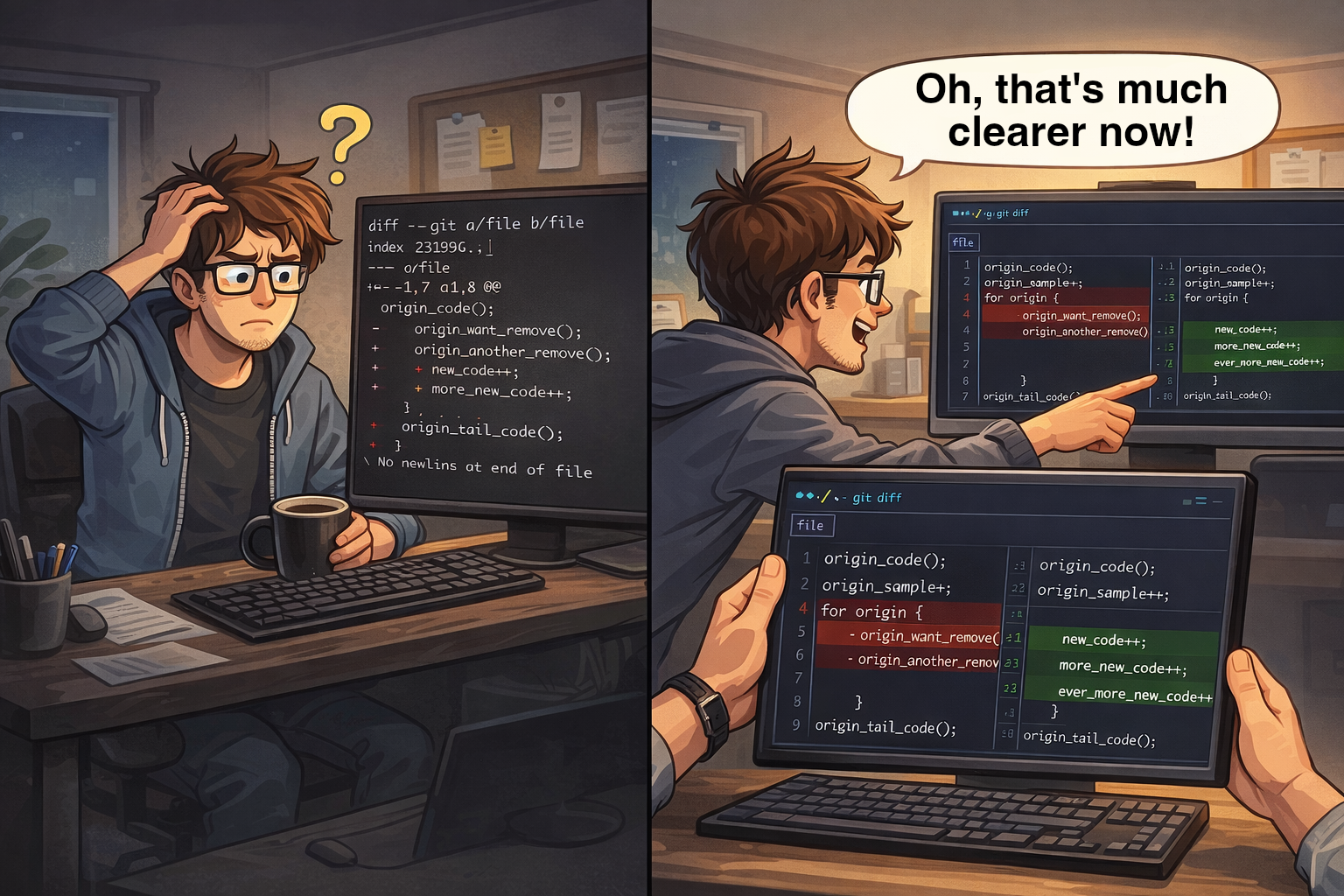
I've often heard that git in the terminal is inconvenient to use, but it turns out it's not so much about git itself, but primarily about git diff. Of course, no one uses git like that. Just run a couple of configuration commands and you'll be able to use it, often even better than in an IDE.
As promised, 60 seconds is only possible if you have a package manager. If you don't — you should.
1. Install git-delta:
brew install git-deltapacman -S git-deltaOr other ways: official installation instructions
2. Configure git to use delta:
git config --global core.pager delta3. Optionally set side-by-side:
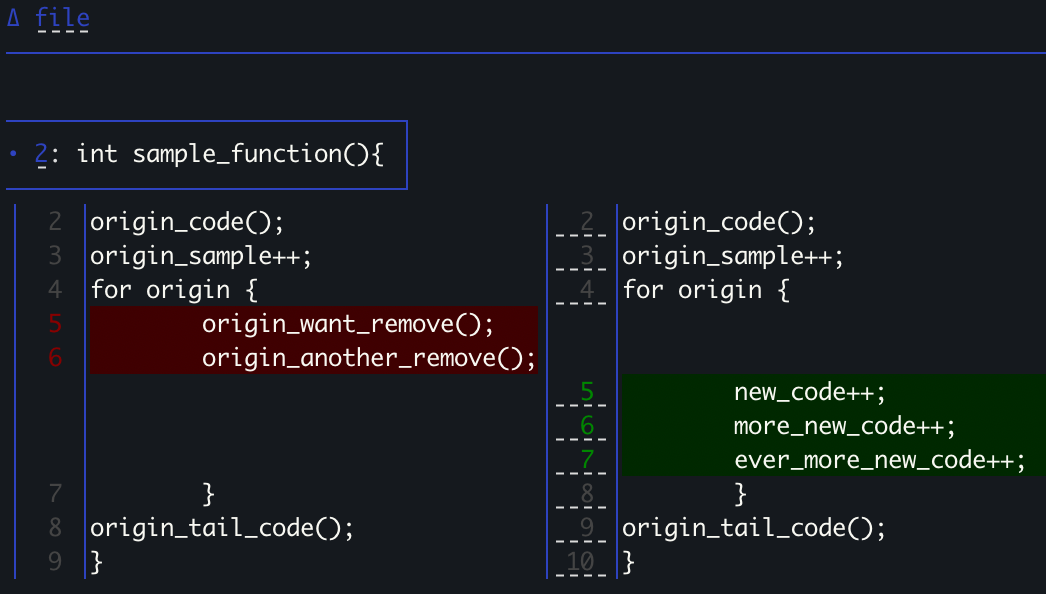
git config --global delta.side-by-side true4. When you type git log, add these flags:
git log --all --graphOr add it to an alias — but unless you're on vanilla bash without history, you can just type git l and arrow up (previous command that started with these characters).
60 seconds are up. And you've got 90% of the convenience of using git in the terminal. You can add more interesting settings, but that's for the truly curious.
Comments and questions · Google / GitHub / anonymous