

Global CLAUDE.md: 1% Effort, 80% of the Results
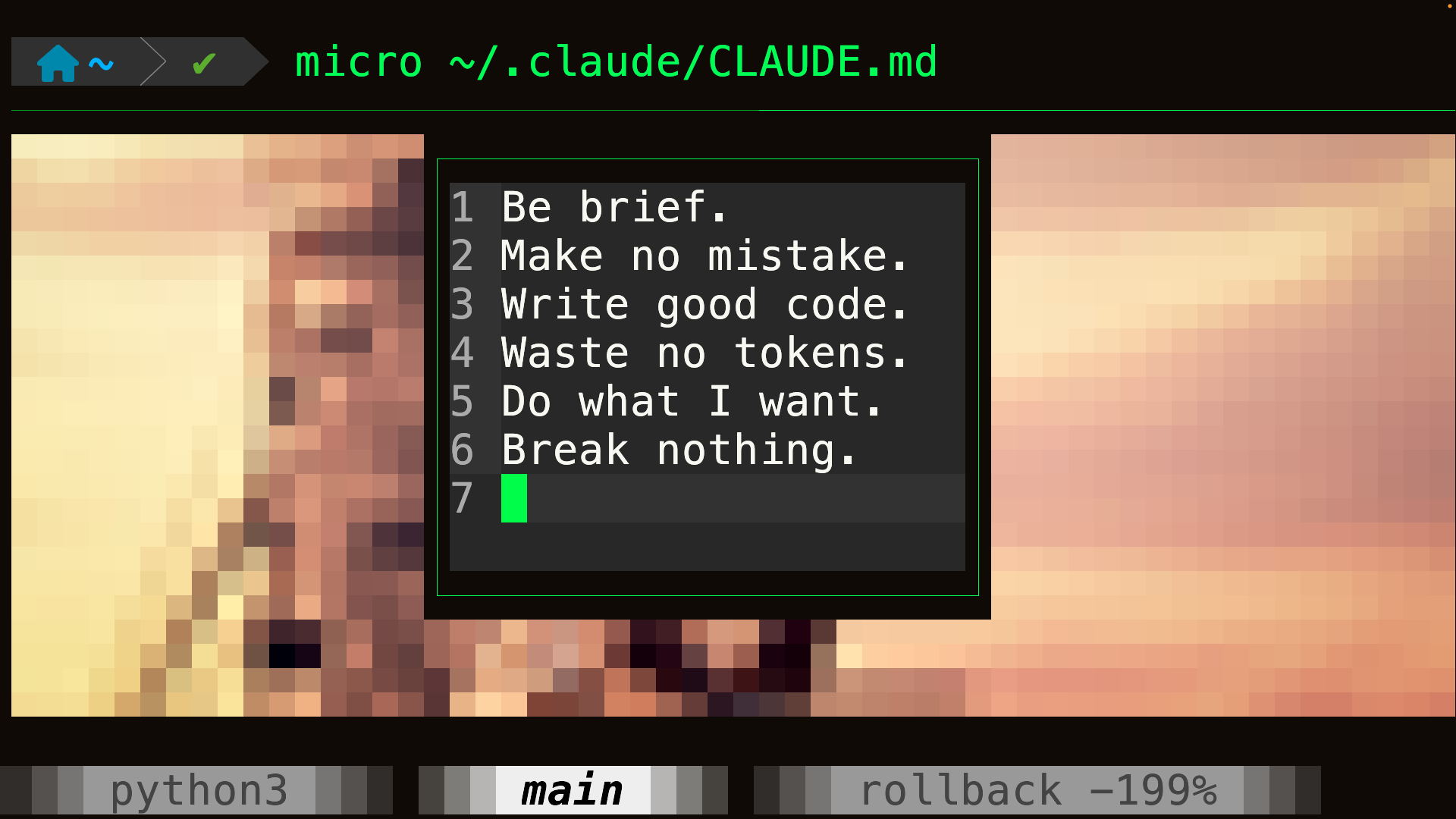
A dozen things I've learned about maintaining a global CLAUDE.md file, and how they work in practice. (Video in Ukrainian, post with full text in English)
Let's talk about the global CLAUDE.md. You can use AGENTS.md now as well, but I'll keep calling it CLAUDE.md. For anyone unfamiliar with it, the global CLAUDE.md is an instructions file stored in your home directory at ~/.claude/CLAUDE.md. It gets loaded into every session, for every agent. That means every line in this file is worth its weight in gold: it gets loaded again and again, by the main agent and background agents alike, regardless of which project or directory they're working in. So this file should contain only instructions that are important enough to justify costing you tokens every single time.
Be brief
Be brief.That's it. And it works remarkably well. Two words that reduce output and save tokens. They also make both Claude and you faster: less text takes less time to generate and less time to read. Definitely worth adding.
Before I added it, I did fairly deep research into ways of reducing model output and compared a number of alternatives. Be brief was the clear winner for me. In independent tests, it reduced output by roughly a third, which matches what I've seen myself when looking through bug reports. What I find especially interesting is that the average reduction is around one third, while the median is closer to one quarter. My guess is that it cuts aggressively only when there's actually something worth cutting, rather than shrinking every response by a fixed amount. That's exactly what I want.
Be brief is somewhat similar to caveman-style output, except with a human face. The text doesn't degrade into cave-person English, and you don't need third-party MCPs, hooks, or plugins that intercept or rewrite Claude Code's output.
There are approaches that can squeeze out slightly better results, but they usually require external tooling and manipulate Claude Code more aggressively. The improvement over two simple words isn't large enough for me to care.
Write me in Ukrainian
Write me in Ukrainian. Keep technical terms in English. Do not use transliteration. Other in English only - all code, comments, docs, examples, commits, configs, errors, tests.Even with Be brief, I still read a lot of Claude output. I can skim Ukrainian much faster: I can scan diagonally, scroll through a long response, and spot the part I need almost instantly. Also, Claude doesn't exactly speak English. It often speaks Claudish, as people on the internet call it. Sometimes the prose is technically English but somehow much harder to parse than normal English. Ukrainian makes that easier for me. Fable and Opus 5.5 rarely descend into full Claudish these days, but it still happens.
There's another interesting detail. If I write the instruction itself in Ukrainian, Claude tends to answer in Ukrainian all the time, including after slash commands. With the English version above, it follows the rule somewhat less aggressively, which I actually prefer. If I speak Ukrainian to it, it answers in Ukrainian anyway. The rest of the instruction protects code, comments, docs, examples, configs, errors, tests, and commits from being translated. Since adding it, I haven't seen Claude start writing Ukrainian comments inside code, which is important.
Don't narrate your work
Don’t narrate your work. Handle it and report when done.Claude sometimes starts narrating every step of its process: "Now I'll check this. Oh, nothing here. Let me try somewhere else." That's not useful. I borrowed this line from some skill I no longer remember, and since adding it I see much less process narration. Most of the time I now get the shell commands, their output, and then the result. Perfect.
Use the conventional commit message format
Use conventional git commit format: <type>(<optional scope>): <subject> where type = feat|fix|docs|style|refactor|test|chore|perf. Subject: 50 chars max. Prefer one-line commit.I define my commit format right here. Always. No separate skill with kilobytes of instructions on how to write commits. This short prompt is enough, and because it lives in the global CLAUDE.md, it's always available.
I looked at the commit instructions people give coding agents, and some of them are enormous. Sometimes they're implemented as entire skills. I don't really understand why. You don't need to tell Claude: "First run git status. Don't commit unrelated files." Claude already knows that, and in my experience it is sometimes too cautious about it. You also don't need a paragraph explaining: "Make atomic commits. Use the imperative mood. Keep lines under 72 characters." Just tell it to use the conventional format. It already knows what that means. That's enough. This one line occupies less context than the description of a skill that isn't even loaded yet, and it already solves the problem. What else do you need?
Be blunt and critical
Correct me when I’m wrong and suggest better approaches. Be blunt, or I may miss the criticism.I no longer remember where I stole the idea of explicitly telling Claude to criticize me. Andrej Karpathy has something similar in one of his skills. Either way, a lot of experienced people recommend explicitly giving AI permission to challenge your ideas. This line solves several problems at once. First, it reduces sycophancy. Second, it pushes Claude to consider alternatives instead of blindly implementing the first approach I suggest. Third, it tells Claude to make criticism obvious. This matters because the polite American style can be surprisingly easy to miss when you're skimming: "This is a good idea and should work, provided that the cosine is greater than one. It may be worth refining the approach slightly." If you're reading quickly, you can completely miss the fact that Claude just told you the idea is impossible. "This won't work." Much better. That said, I can't prove this prompt works. I simply don't make mistakes often enough to collect a statistically meaningful sample.
Prefer self-documenting code over comments
Prefer self-documenting code over comments. Before adding a comment, first try to make the intent, deviation, or caveat obvious through naming, structure, or the type system. Comment only when that isn’t practical. Keep a comment to 1-2 lines saying only what the code cannot: an invariant, an outside constraint, a trap the next edit would hit. Not the name, the signature, a disaster narration, rejected alternatives, a rationale that lives elsewhere (point at it), linter meta-commentary, or caps for emphasis.This one is a must-have. I haven't measured it properly, but I'm convinced it works. I no longer see files where comments make up something like 30% of the code. Claude still writes more comments than I'd like, so this instruction isn't enough on its own. But it's useful enough that I'm willing to spend this much global context on it.
Keep only what every task needs in CLAUDE.md
CLAUDE.md is loaded every session, so keep only what applies to any task (summary, commands, architecture, index); per-subsystem rationale goes in comments or `docs/`, pointed at from the code.Project-level CLAUDE.md files tend to grow over time. Claude keeps adding more and more unnecessary details. And then all of that gets loaded again in future sessions. This line helps a lot. Claude becomes much more conservative about putting things into CLAUDE.md, and sometimes even suggests removing things that don't belong there. It only uses docs/ when that directory actually exists in the project, so the instruction doesn't create unnecessary structure. Most local implementation details stay close to the code instead. And, thanks to the earlier instruction, those comments tend to stay short.
YAGNI
Don't build it if it isn't needed (YAGNI). Avoid extra abstractions, premature generalization, indirection and scope creep.I borrowed this idea from the ponytail plugin, a fairly popular plugin with good feedback that pushes Claude toward minimal changes and discourages it from doing things nobody asked for. This line is basically the extremely compressed version of that plugin. And in my opinion, it's not quite enough. The plugin has a pile of hooks for a reason. It keeps injecting the same idea again and again: YAGNI. YAGNI. YAGNI. I believe the developers and the people reporting that the full plugin works better. But I don't like hooks, hidden behavior, or unnecessary machinery around the agent. So I take the cheap version: inject YAGNI once through the global CLAUDE.md and accept that it won't be perfect. If you want the strongest possible enforcement, try ponytail.
Use rg, fd, tree
Use rg, fd, tree; not grep or find.They're faster, and by default they also skip binary files instead of feeding that garbage into Claude's context.
Sandbox
Start background processes with run_in_background, stop with TaskStop. Never `nohup`/`&` (loses the task ID) or `kill` (sandbox blocks signals).This prompt fixes background-process management in my sandbox setup. It's only relevant if you run Claude inside a sandbox. Claude knows many ways to start a process in the background. The problem is that, under sandbox restrictions, many of those processes become difficult or impossible for the agent to stop cleanly afterward. With this pattern, it can manage them reliably.
More generally, a sandbox limits Claude's permissions at the harness level. Claude itself and everything it launches run with restricted access.
I recommend using one, although the setup is more involved. Once configured, you can let Claude work much more freely without constantly worrying that it will destroy something. Almost.
A cure for Superpowers
`docs/superpowers/**` contains temporary working plans, not project specs. Use and edit them during planning and implementation, but never reference them from the project or commit them. After implementation, treat them as historical artifacts only.Do you use the Superpowers skills? If not, stop the video and go install them with /plugin. They're more useful than most of what I'm telling you in this post. They're intended for large tasks: Claude breaks the work into parts and then executes it step by step. I don't actually use Superpowers in their original form anymore; I've heavily modified them. But they're still excellent for long-running tasks where you want to hand Claude something substantial and let it work through it for hours.
So what does this prompt fix? First, obviously, you don't need it if you don't use the plugin. Second, it tells Claude that the plans and specifications generated by Superpowers describe the system as it existed at implementation time. They are not eternal project specifications. Without this rule, Claude may start treating old planning documents as authoritative. It references them in conversations, in code, and in CLAUDE.md. Then it sees newer code that no longer matches an old implementation plan and says: "Tut-tut. This violates the specification." Except it doesn't. The project simply evolved after the specification was written. With this instruction, Superpowers plans become historical artifacts after implementation.
The cherry on top: the backlog
If you discover unrelated problems, do not fix them opportunistically. Record them in docs/backlog/<subsystem>_<problem>.md. After making such an entry, tell me what you added to the backlog.The idea is simple: when Claude notices a problem unrelated to the current task, it doesn't fix it opportunistically. It writes the problem into the backlog instead. Simple, but extremely effective.
You get a surprising number of benefits from this one rule.
- First, fewer unrelated changes.
- Second, less context pollution during the current task. That means faster work, fewer tokens, and usually better results.
- Third, reviews become easier.
- Fourth, you gradually accumulate a backlog of problems Claude discovered for free.
- Fifth, after the main task is finished, or overnight, you can ask Claude to go through the backlog and fix trivial issues that are low-risk and isolated.
- Sixth, it's the end of the week and you still have a pile of tokens left? Launch several subagents, give each one a difficult backlog item in its own git worktree, and see what comes back. Maybe you'll keep the changes, maybe you won't. The tokens were going to expire anyway.
Nothing but benefits. I barely had enough fingers on one hand to count them.
I'll repeat it: this is the most important prompt in the entire list. Write it down. You'll thank me later.
A lot of the things in this post are implemented elsewhere as separate skills: a skill for commits, a skill for backlog management, a skill for comments, and so on. I'm telling you: in many cases, two or three sentences in the global CLAUDE.md are enough to get most of the benefit. And those sentences take about as much context as the description telling Claude when it should load the corresponding skill. For me, that's a very good trade.
Changelog
After changes, update the changelog. Keep entries short, telegraphic, user-facing; omit details and explanations.I ran into another recurring problem: Claude either forgets to update the changelog entirely or writes a miniature essay for every change. So I told it to use a short, telegraphic, user-facing style. We'll see how well this one works. Unlike the prompts above, I haven't tested it for long enough yet.
Comments and questions · Google / GitHub / anonymous